Invitations they open like an envelope
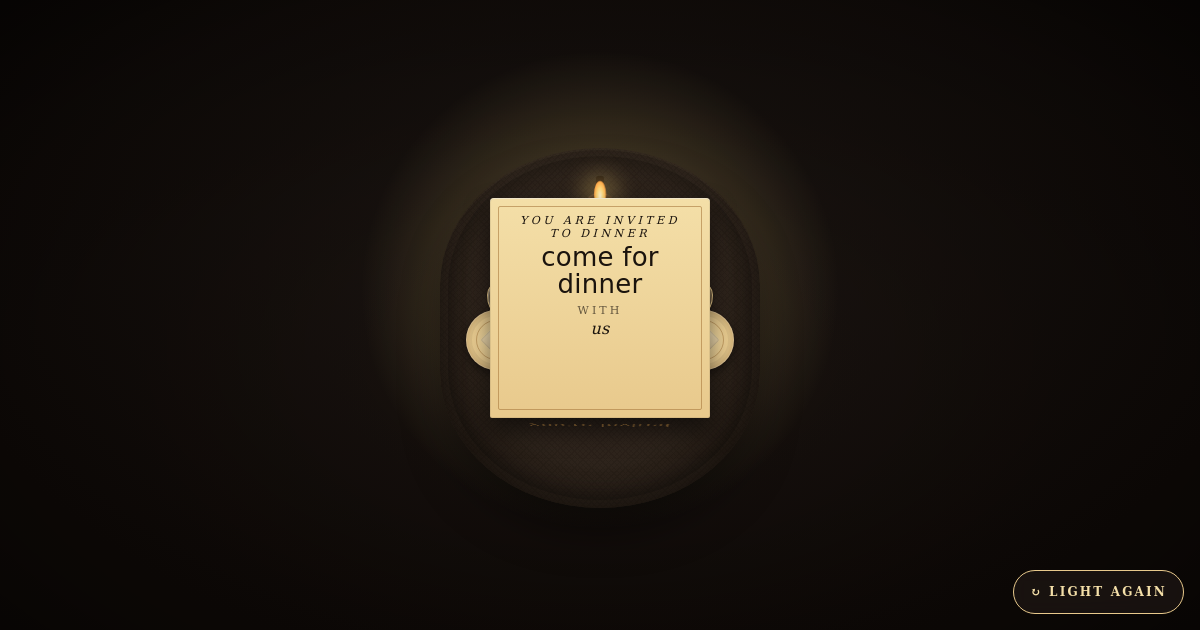
A wedding, an engagement, a birthday party — send an invitation your guests tap to open on WhatsApp. Add the date, the venue, the dress code and how to RSVP, then share one link with everyone.


When to send an online invitation
Send a save the date six months to a year before a wedding, and the full invitation six to eight weeks before. For an engagement, a shower or a birthday party, three to four weeks is enough. Because the card is a link, you can send it again a few days before as a reminder and it opens straight to the details.
What to put on the invitation
- Who and what — the couple, the host or the person being celebrated.
- The date and time, and the venue — ceremony and reception for a wedding.
- Dress code, if there is one.
- How to RSVP — an email address or a link, and the date you need replies by.
- A personal line that sounds like you.
Sample wording you can use
Together with their families, Asha and Rohan invite you to celebrate their wedding.Use this wording
Save the date — we're getting married! Formal invitation to follow.Use this wording
Aarav is turning five! Join us for cake, games and a lot of noise.Use this wording
How to send it on WhatsApp
- Pick an invitation above and fill in the names, date and venue — the preview updates as you type.
- Press Share, then Share on WhatsApp.
- Choose the family group or each guest. They tap the link and the invitation opens like an envelope.
Questions people ask
Do guests need an app?
No. The invitation is a link that opens in the phone's browser — nothing to install, no sign-up.
Can guests RSVP?
Most invitations have an RSVP email or link field. Guests tap it to reply to you directly.
Can I change the details after sending?
Yes. Edit the invitation from your dashboard and the same link shows the update — nothing to resend.
Is it free?
You can make a card and watch it move without signing up, and most templates are free to share. You only need an email address when you press Share, so you can edit or take the card down later.