Wedding cards, from the proposal to the big day
Announce the engagement and invite everyone to the engagement party and the bridal shower. Then send the save the date, the wedding invitation and an RSVP card with a reply button, and count down to the big day.
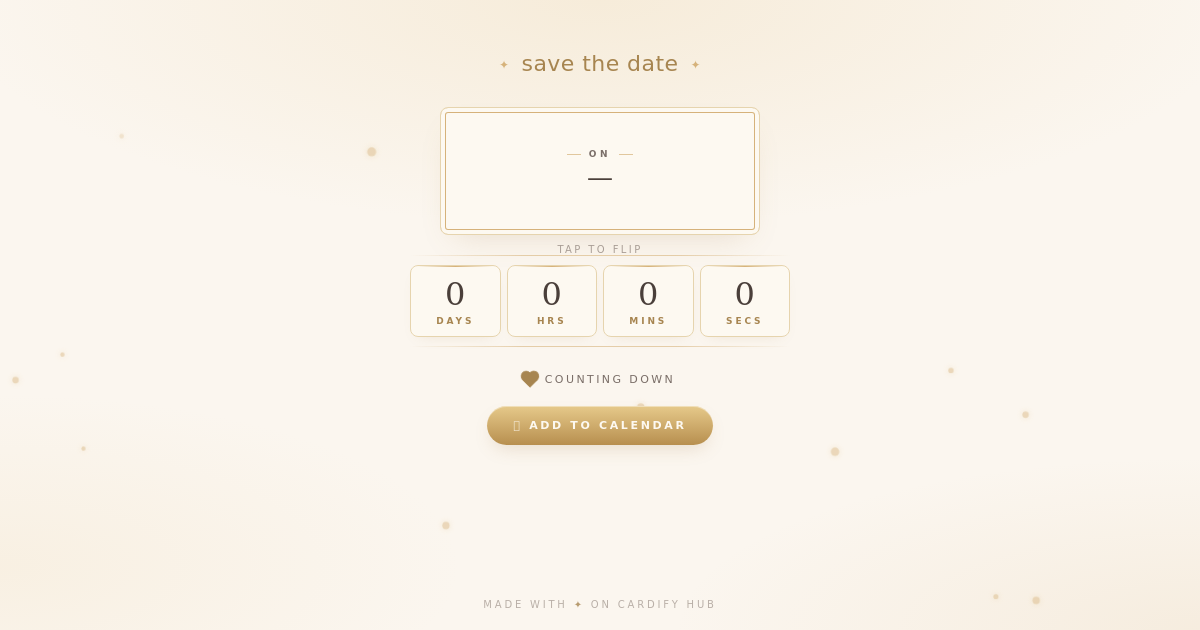
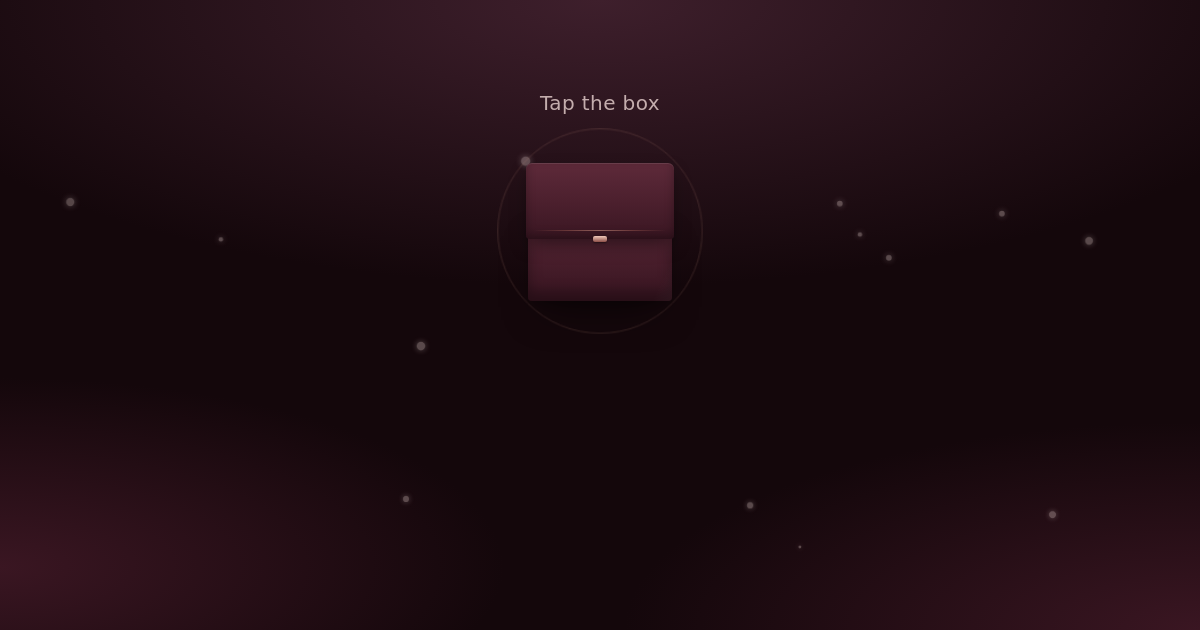
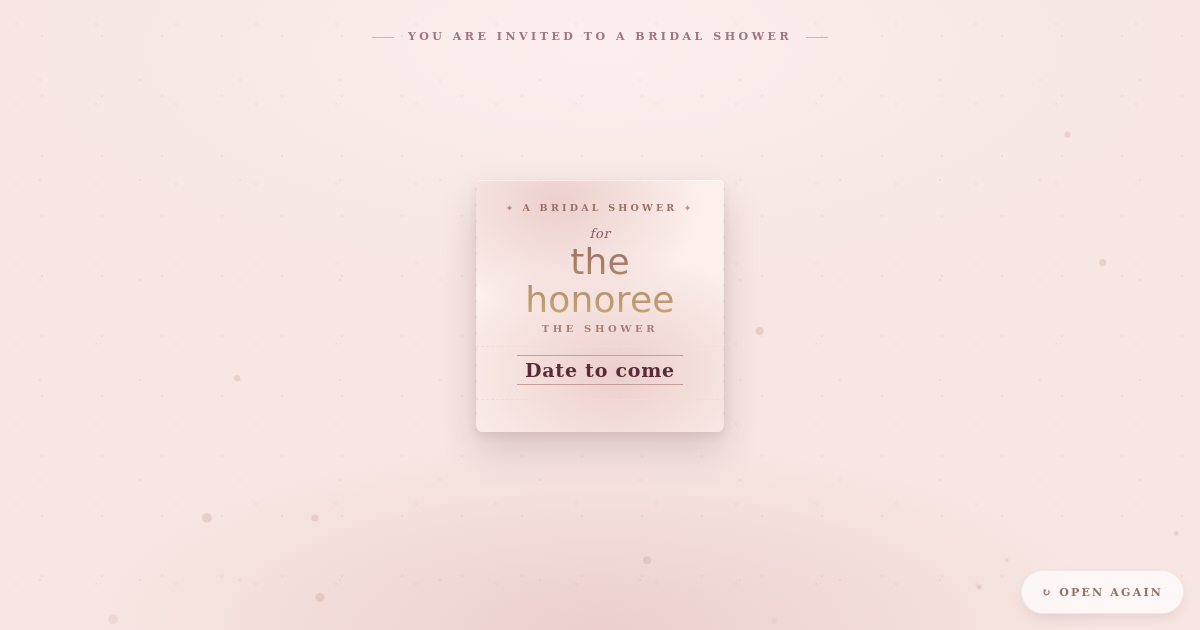

A card for each step, in order
- Engagement — a velvet ring box opens and the ring catches the light. Tell everyone you said yes, with room for a proposal photo.
- Engagement Party — two gold rings spin into place above the date, the venue and the dress code.
- Bridal Shower — a ribbon unties and a parchment scroll unfolds with the hosts, the date, the venue and an optional wishlist. It works for couples too.
- Event Countdown — a live ticking countdown to the big day. Guests can add it to their calendar, and the card bursts into confetti on the day.
When to send each one
- A reminder — two or three days before the wedding, share the same link again, so nobody has to scroll back through the family group to find the venue.
What to put on the invitation
- Both names, and the families' names if your family expects it.
- The date and the time of each function you are inviting them to.
- The ceremony and reception venues, in words a driver or a map can use.
- The dress code, if there is one, and how to reply by when.
Wedding wording you can use
We said yes! Wedding details to follow.Use this wording
How to send it on WhatsApp
- Pick the card, add your names, the date and the venues, and watch the preview update as you type.
- Press Share, then Share on WhatsApp.
- Send it to elders one by one, with a personal line, and share the same link in the family groups.
Questions people ask
Can guests reply on the card?
The Wedding Invitation and Wedding RSVP cards have a reply button that opens a form link or an email address you add, such as a Google Form. Replies come to you there; the card doesn't collect them itself.
Can I change the date or venue after sending?
Yes. Edit the card from your dashboard and the same link shows the new details, so there is nothing to resend.
How long does the link keep working?
On the free plan, the invitation, save the date and RSVP stay live for 90 days from when you make them, the bridal shower and engagement party for 45, and the others for 30. If your save the date goes out earlier than that, a paid plan can choose a longer time.
Can I write it in Hindi or Gujarati?
Yes. Type the details and your note in any language; the card shows it in your guests' phone font.
Do my guests need an app?
No. The card is a link that opens in the phone's browser, so it works for grandparents and guests abroad, with nothing to install and no sign-up.