Save the date cards for the wedding and beyond
A pin lands on the calendar and the date rings, so guests can book leave and travel long before the invitation goes out. Add your names and the city, or send a live countdown to the day, then share one link with everyone.
Two ways to hold the date
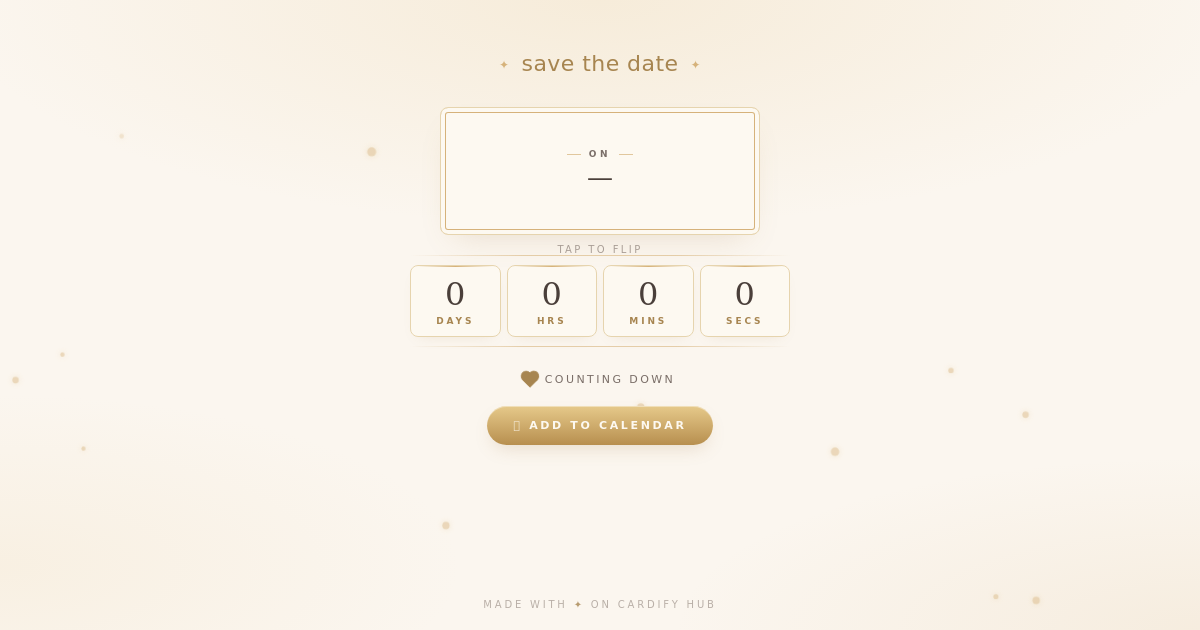
- Event Countdown — a live countdown to the day, with "save the date" written above it if you like. Guests can flip the date plate for the venue and add it to their calendar, and the card bursts into confetti on the day.
When to send
- A wedding — as soon as the date and city are fixed, usually three to six months ahead.
- A wedding people travel for — as early as you can. Guests coming from abroad need the most notice.
- Other big events — two to three months ahead for a milestone birthday, a family reunion or a launch.
- Then the invitation — four to six weeks before the day, with the venue and the timings.
What to put on it
- Your names, or the family's name.
- The date, even if the time isn't settled yet.
- The city, so people can plan their travel. Leave the full address for the invitation.
- That details will follow, so nobody needs to ask.
Save the date wording you can use
The big day is coming. Mark your calendar, and watch the countdown with us.Use this wording
How to send it on WhatsApp
- Pick a card above, add your names and the date, and watch the preview update as you type.
- Press Share, then Share on WhatsApp.
- Send it to close family first, then share the same link in the wider groups.
Questions people ask
Do I need a save the date as well as an invitation?
Not always, but it helps when guests have to travel or book leave. It holds the date while you settle the venue and the timings, and the invitation follows later with the details.
How long does the link keep working?
On the free plan, a Save the Date stays live for 90 days from when you make it and an Event Countdown for 30. If your date is further off than that, a paid plan can choose a longer time.
Can I change the date if plans move?
Yes. Edit the card from your dashboard and the same link shows the new date, so there is nothing to resend.
Can I write it in Hindi or Gujarati?
Yes. Type your note in any language; the card shows it in your guests' phone font.
Do my guests need an app?
No. The card is a link that opens in the phone's browser, with nothing to install and no sign-up.