Announcement cards for your big news
A baby on the way, a ring on the finger, new keys or a new puppy: tell everyone at once. Add the names, the date and a photo where the card has room for one, then share a single link on WhatsApp.
Which card for which news
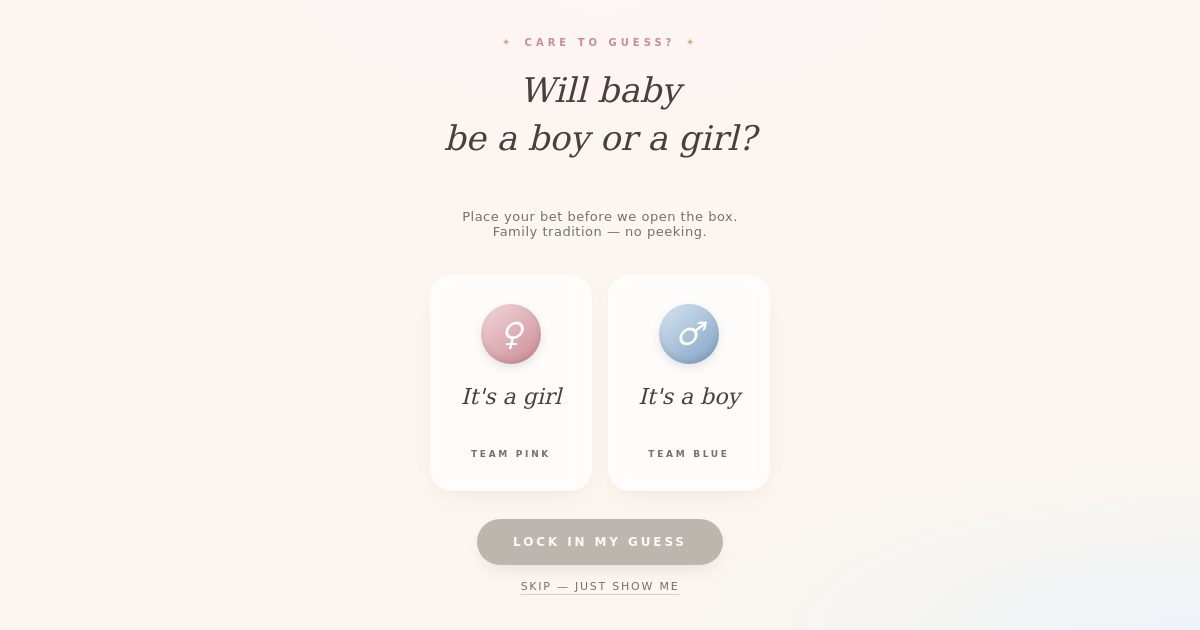
- Baby Reveal — a gift box they open to find the new arrival's name and birth details, after a light-hearted boy-or-girl guess.
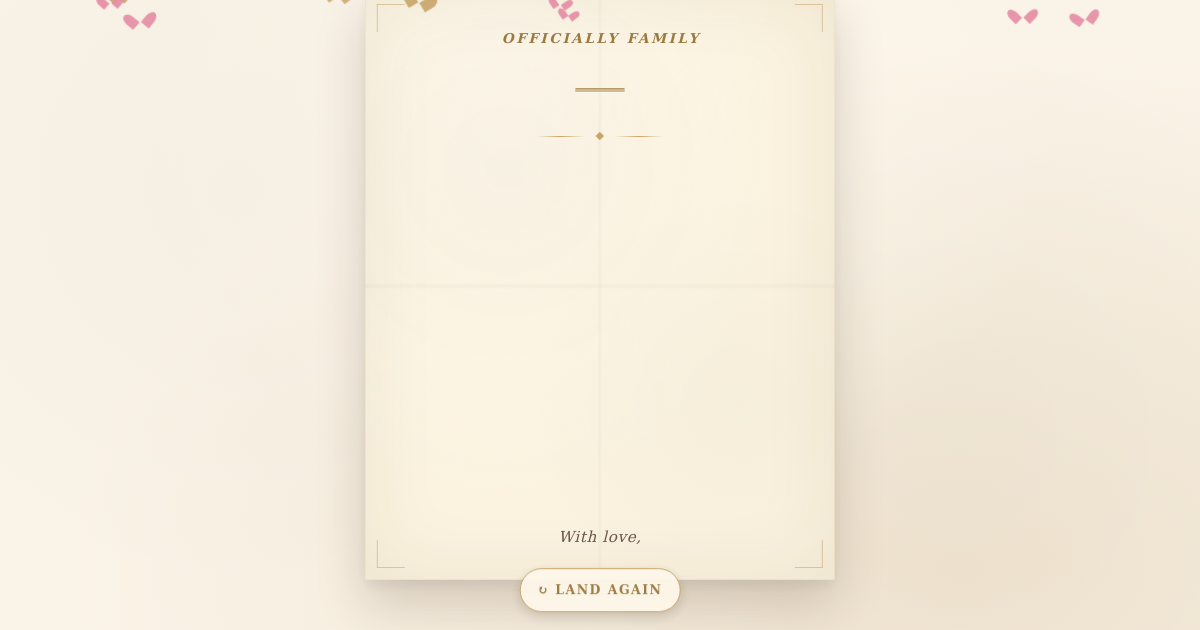
- Adoption Day — a paper aeroplane lands and unfolds into the announcement of the day it became official.
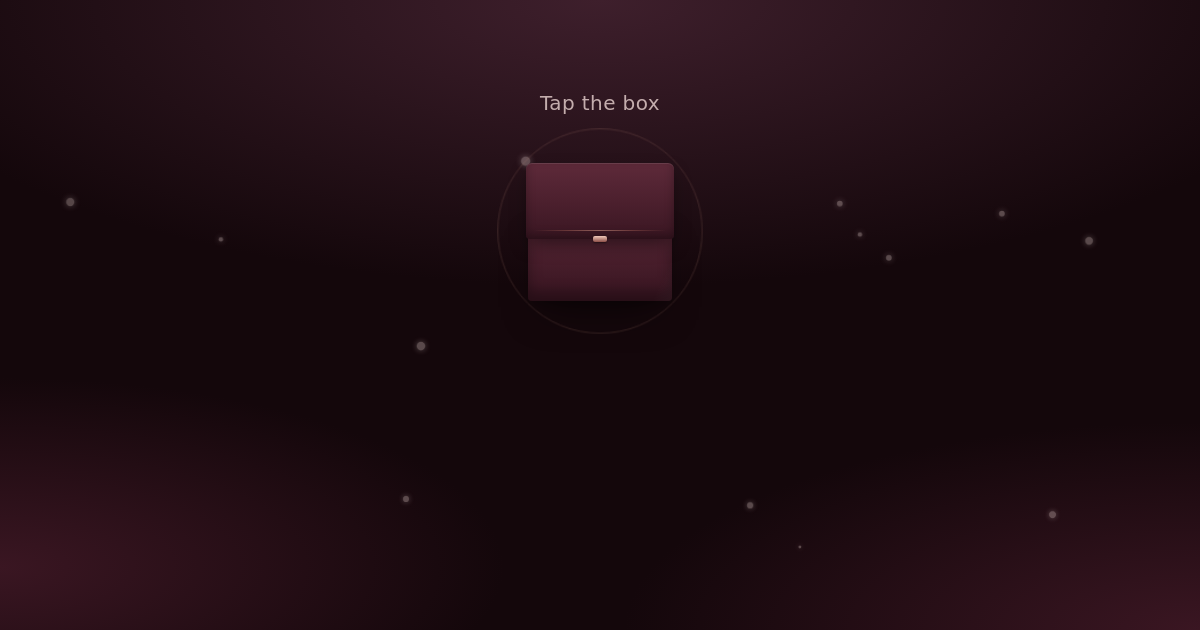
- Engagement — a velvet ring box opens, the ring catches the light and your news fades up beneath. There is room for a proposal photo.
What to put on the card
Keep to one piece of news and the details people will ask about straight away: the names, the date and, for a move or a wedding, the place. Add a photo where the card has room for one. The rest can wait for the phone calls.
Wording you can use
We said yes! Thank you for cheering us on all these years.Use this wording
Today it became official. Our family is complete, and our hearts are full.Use this wording
हमारी सगाई हो गई है! इस खुशी में आपका आशीर्वाद चाहिए।Use this wording
How to send it on WhatsApp
- Pick the card for your news, add the names and the date, and watch the preview update as you type.
- Press Share, then Share on WhatsApp.
- Tell your closest people first, then share the same link in the family and friends groups when you are ready.
Questions people ask
Which cards can take a photo?
The pregnancy, adoption, engagement and new pet cards each have room for one photo.
Can strangers find my card?
Cards are kept out of search engines and only open from the link you share, which is long and unguessable. Anyone you send it to can pass it on, though, so share it with people you trust.
How long does the card stay live?
On the free plan, most of these stay live for 30 days from when you make them, and the gender reveal, baby reveal and new pet cards for 14. Paid plans can choose a longer time.