Diwali, New Year and Bhai Dooj cards
Light the diyas, wish Saal Mubarak to the family and send your brother a Bhai Dooj tilak — each one a card they open with a tap on WhatsApp. Add your names and a line in your own words, in English, Hindi or Gujarati.
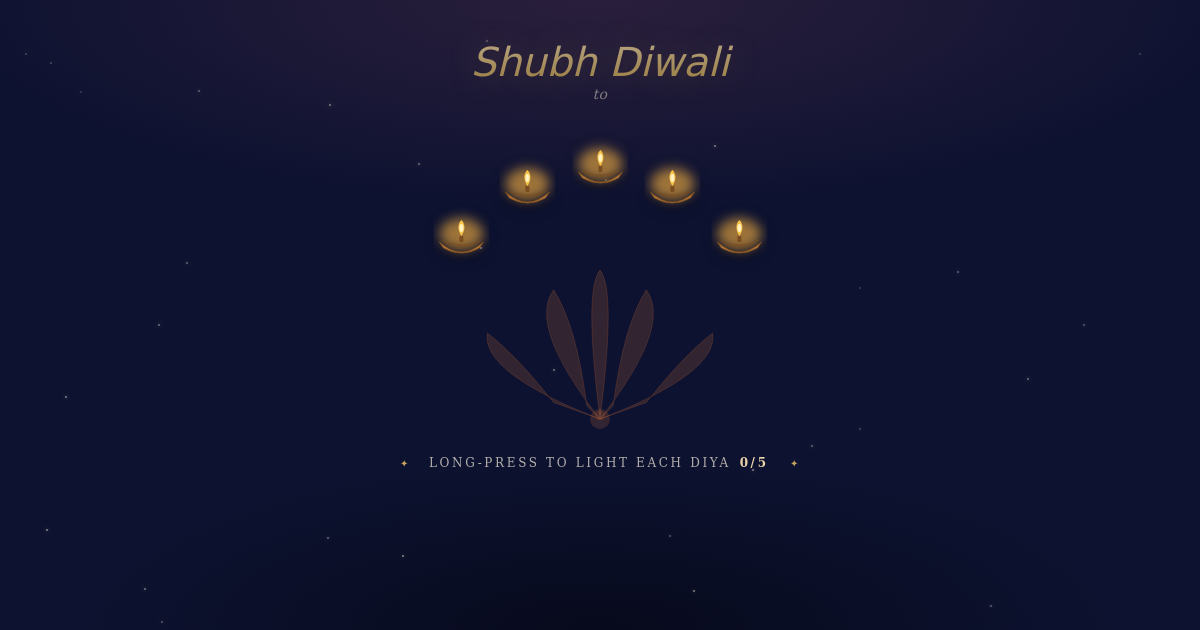
One card for each day of Diwali week
- Diwali (Sunday 8 November 2026) — the Festival of Lights card: they tap each diya to light it, and your message appears once every lamp glows.
When to send
Diwali wishes go out the evening before and on the morning of Diwali, when family groups are busiest. Send Saal Mubarak cards first thing on New Year's morning, before the round of visits, and Bhai Dooj cards on the morning of Bhai Dooj so they arrive before the tilak.
Diwali and New Year wishes you can use
May the lamps you light tonight fill your home with warmth, laughter and good fortune. Happy Diwali!Use this wording
दीपों का यह पर्व आपके जीवन में सुख, समृद्धि और खुशियाँ लाए। शुभ दीपावली!Use this wording
દિવાળીની હાર્દિક શુભકામનાઓ! દીવાઓનો પ્રકાશ આપનું જીવન ઉજ્જવળ કરે.Use this wording
How to send it on WhatsApp
- Pick a card above and add your names and a line of your own — the preview updates as you type.
- Press Share, then Share on WhatsApp.
- Choose the family group or each person. One link works for everyone in the group.
Questions people ask
Do the people I send it to need an app?
No. The card is a link that opens in the phone's browser — nothing to install and no sign-up.
Can I write my wishes in Hindi or Gujarati?
Yes. Type the greeting and your note in any language; the card shows it in your guests' phone font.
Can I send one card to the whole family group?
Yes. Share the link once in the group and everyone opens the same card.
How long does the card stay live?
On the free plan, festival cards stay live for a week after you send them; paid plans can choose longer. You can take a card down at any time from your dashboard.
Is it free?
You can make a card and watch it move without signing up, and most templates are free to share. You only need an email address when you press Share, so you can edit or take the card down later.