Photo cards built around your pictures
Add up to six photos for a birthday collage, twelve for baby's first year, or one for a pregnancy, engagement, adoption or new-pet announcement. The photos carry the card: add a few words and share the link.
How many photos each card takes
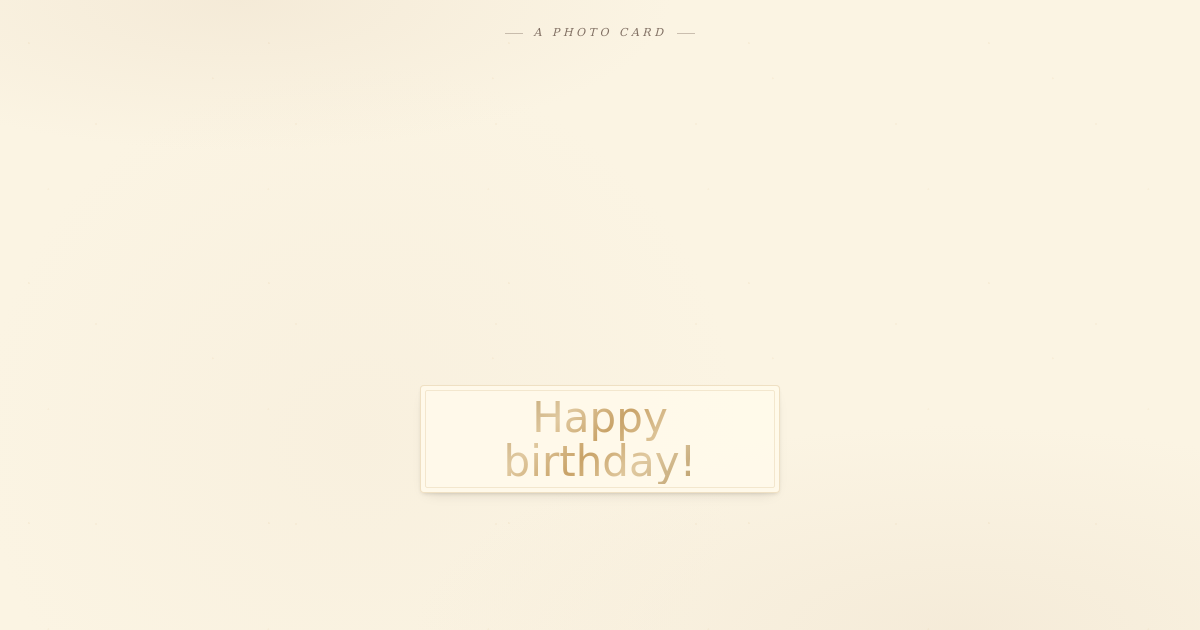
- Birthday Photo Collage — three to six photos shuffle in like loose polaroids and settle into a collage. The photos carry the card.
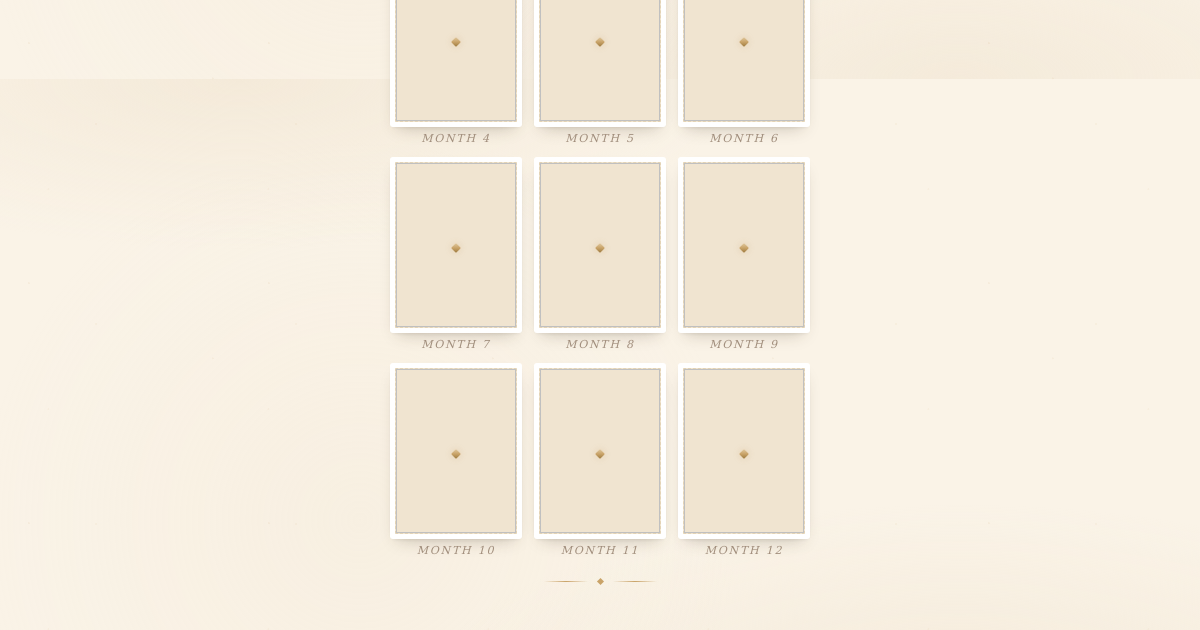
- First Birthday — up to twelve, one for each month of baby's first year, around a big typographic ONE.
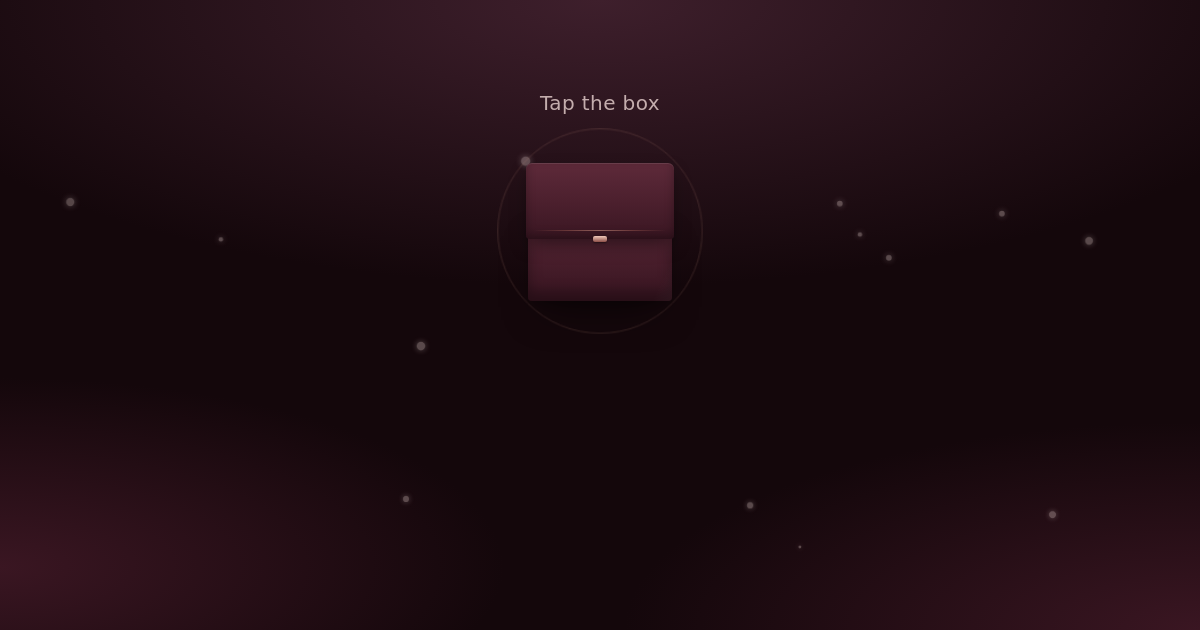
- Engagement — one optional proposal photo, beneath a ring box that opens.
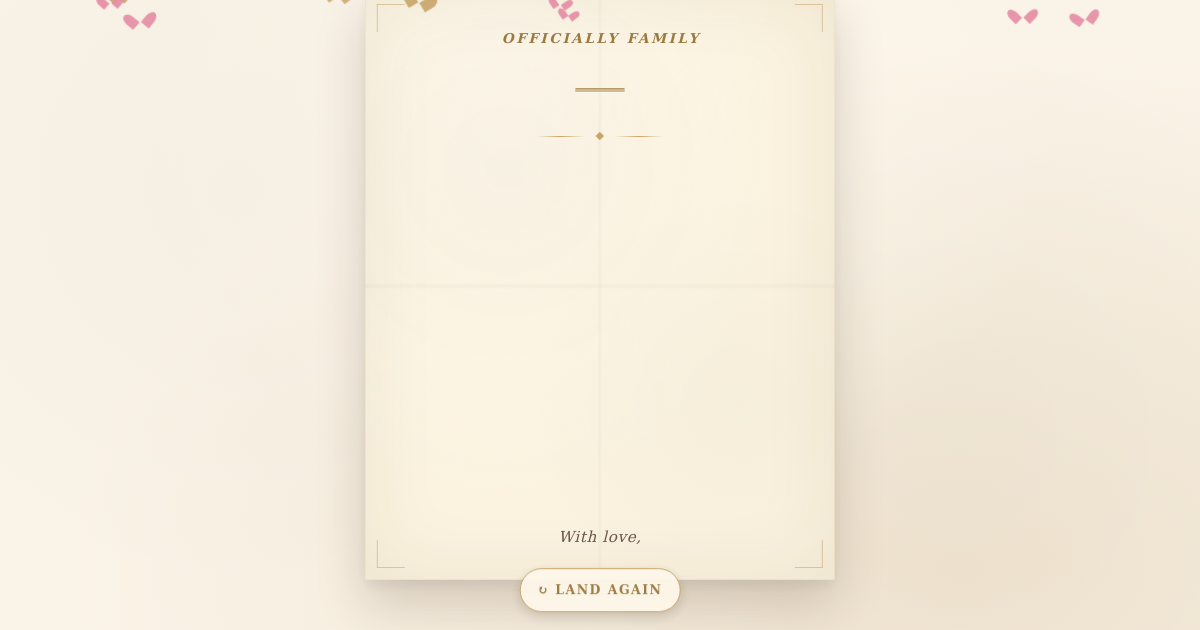
- Adoption Day — one optional photo with the news of the day it became official.
Choosing your photos
- Pick faces first. A clear photo of the person they know beats a wide shot of a beautiful place.
- Use your best one first. On the collage, the first photo is usually the largest.
- Portrait or square works best when the collage has six photos.
- Check you are happy to share. Everyone with the link sees the photos.
Words to go with them
A few of my favourite photos of you, including the one you told me to delete.Use this wording
Twelve months. Twelve photos. One very busy little person.Use this wording
We said yes! Here is the moment.Use this wording
कुछ तस्वीरें, ढेर सारी यादें। जन्मदिन मुबारक हो!Use this wording
How to send it on WhatsApp
- Pick a card above, add your photos from your phone and write a few words. The preview updates as you go.
- Press Share, then Share on WhatsApp.
- Send the link rather than the pictures one by one, so everyone sees them together, in order.
Questions people ask
Who can see my photos?
Anyone with the link. Cards are kept out of search engines and the link is long and unguessable, but people you send it to can pass it on.
Can I change a photo after sending?
No. You can edit the wording from your dashboard, but photos stay as they were when you made the card. To change one, make a new card and share the new link.
Do I have to fill all twelve months on the first birthday card?
No. Every month is optional, so a gap in the album is fine.
How long does the card stay live?
On the free plan, birthday and first birthday cards stay live for three days from when you make them, New Pet for 14 and the others for 30. You can take a card down from your dashboard at any time.